Start with the context.
Keep customers, service locations, equipment, and recorded history connected to the work.
- Customer and location records
- Equipment and warranty records
- Separate company workspaces
THE AUGURAL PLATFORM
Connected operations for service businesses, from customer records to field work, estimates, invoices, and reporting.
Keep customers, service locations, equipment, and recorded history connected to the work.
Connect scheduled work, assignments, and field records so the office and field teams work from the same context.
Carry the job context into estimates, approvals, and invoicing, then review recorded work.
FIVE FICTIONAL WORKSPACES
Different kinds of work. Connected business records. These examples are fictional demonstrations, not customers or proof of every trade-specific configuration.
Summit Field Services LLC
Work orders, customer records, and reporting bring the day’s work into one view.
Explore this example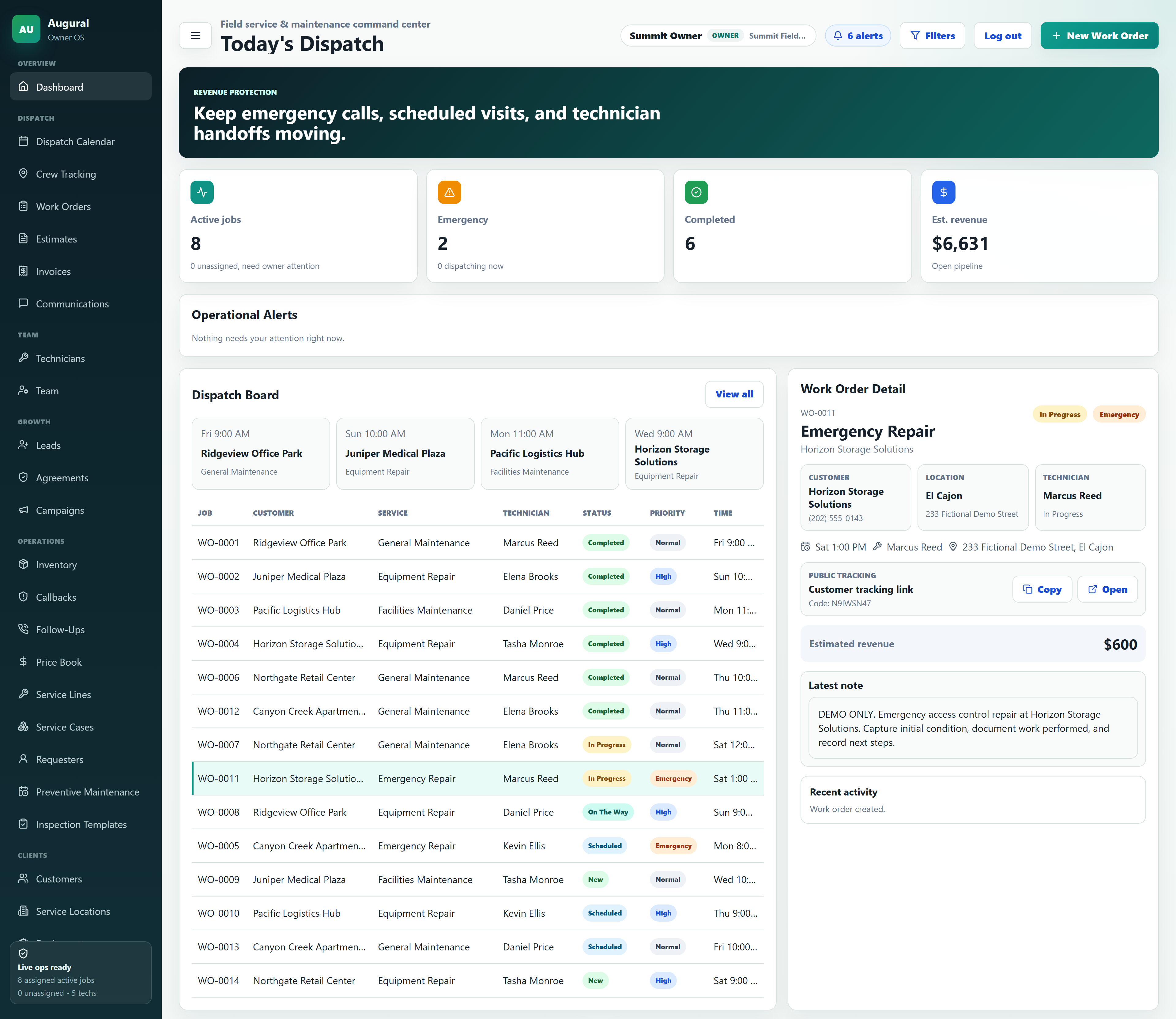
ClearFlow Plumbing Services LLC
Service calls, job details, and quotes keep the customer context with the work.
Explore this example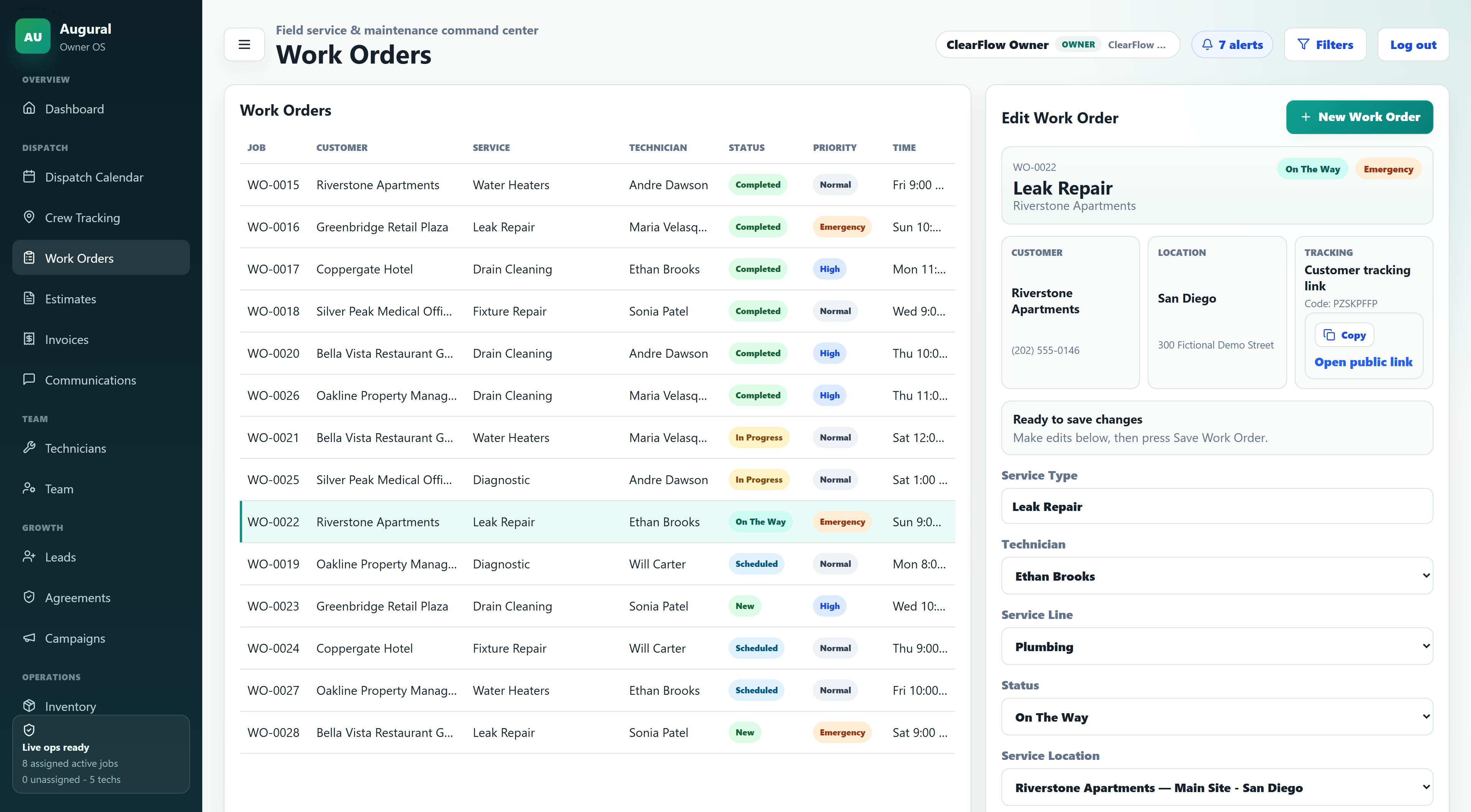
Apex Climate Solutions LLC
Dispatch and crew statuses show the fictional team’s workday. The map uses illustrative/demo data—not validated live-phone GPS.
Explore this example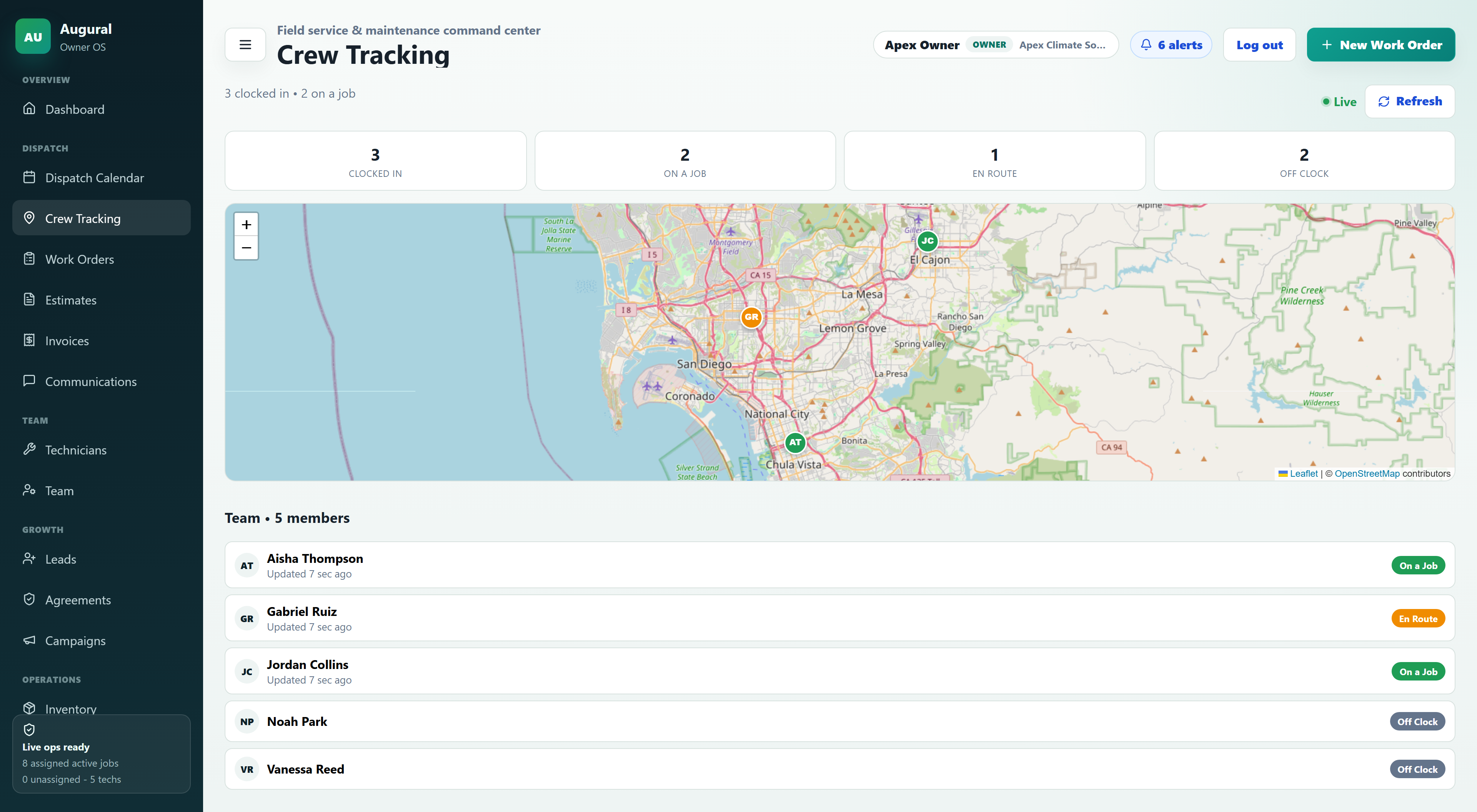
BrightPath Janitorial Services LLC
Client accounts, scheduled work, and invoices keep service records connected.
Explore this example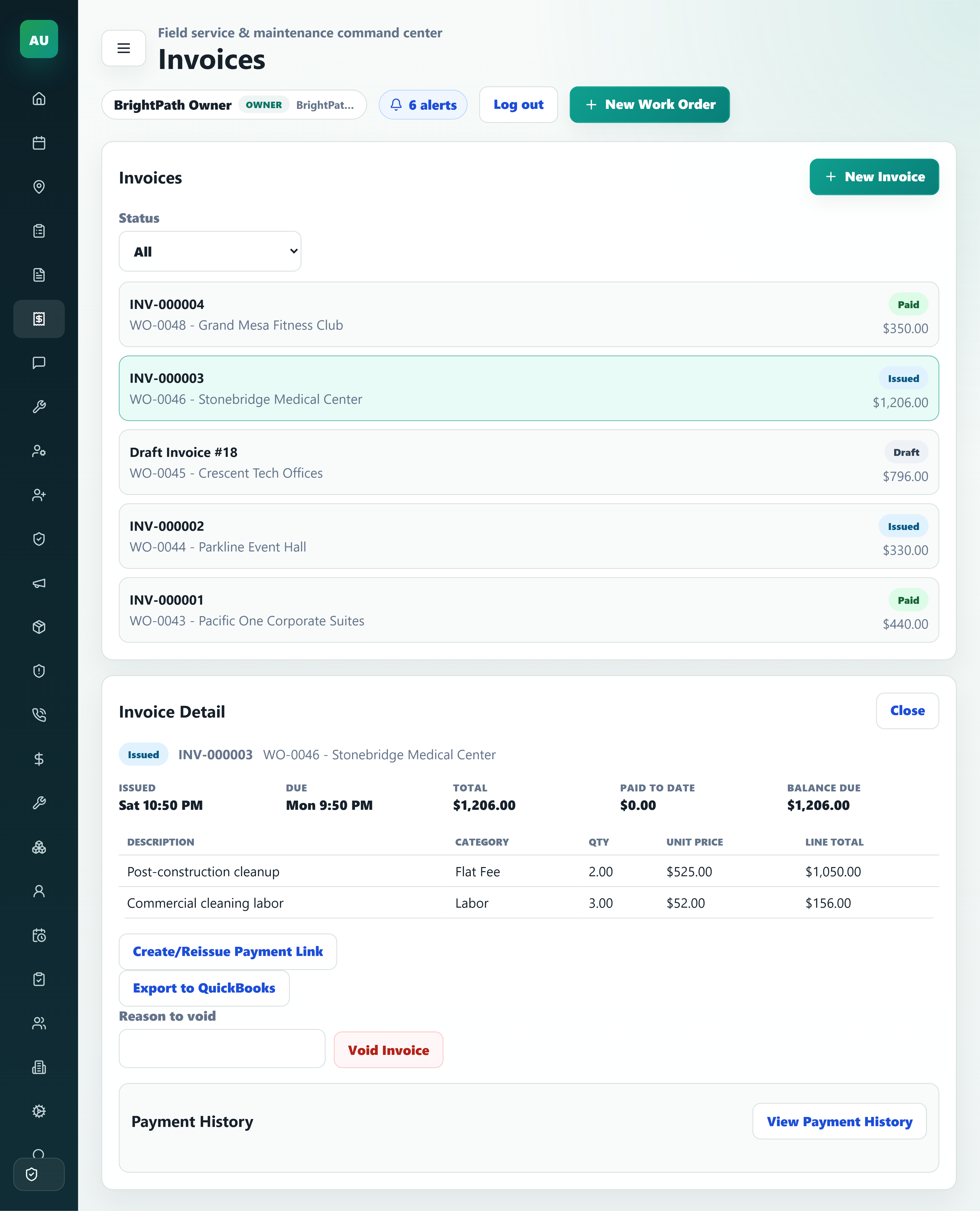
RecoveryOne Disaster Response LLC
Multi-site storm-response job tracking, inspections, dispatch, and estimates may help contractors organize records relevant to disaster recovery.
Fictional scenario. No FEMA affiliation, contract, integration, eligibility determination, funding approval, or endorsement is implied.
Explore flood-response example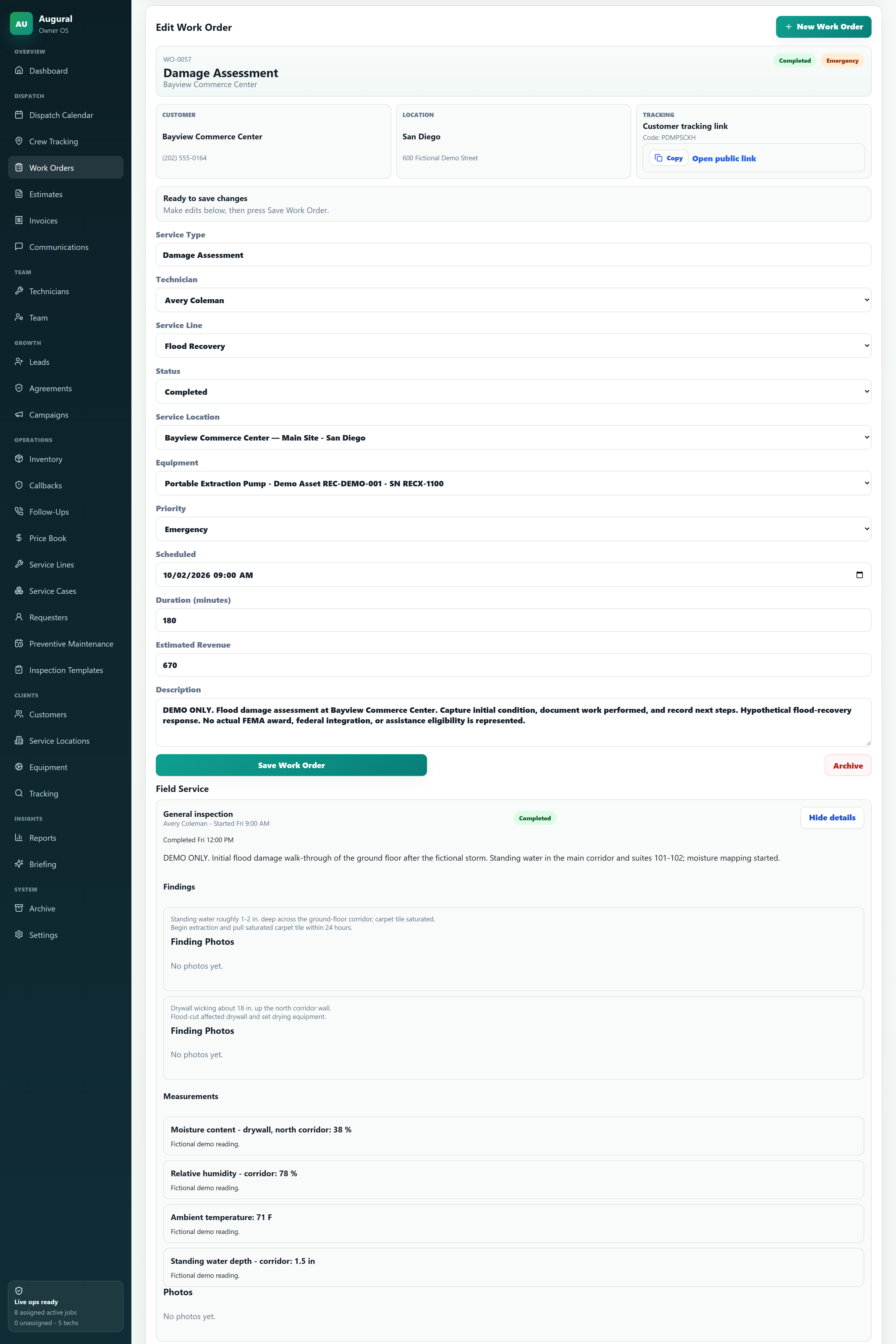
ALSO RELEVANT
Electrical contractors can explore AUGURAL’s generalized scheduling, jobs, customers, estimates, and invoices. This is not a sixth demo workspace or a claim of electrical-specific compliance or inspection standards.
Discuss your workflowFictional demonstration
Imagine a severe fictional storm affecting 6 commercial properties. RecoveryOne Disaster Response LLC, a fictional example contractor—not a customer or subscriber—needs to coordinate the records behind the response.
This hypothetical service-business workflow explores how customer details, site notes, assignments and paperwork could stay connected.
The hypothetical contractor would need customer and site records for each affected property, with assessment notes kept alongside the relevant job details.
Sample work orders could connect the location, assigned field team and recorded job status, helping the office follow work across the six sites.
Mitigation estimates and invoices would reference each site’s proposed scope and recorded work, keeping the job context with the paperwork.
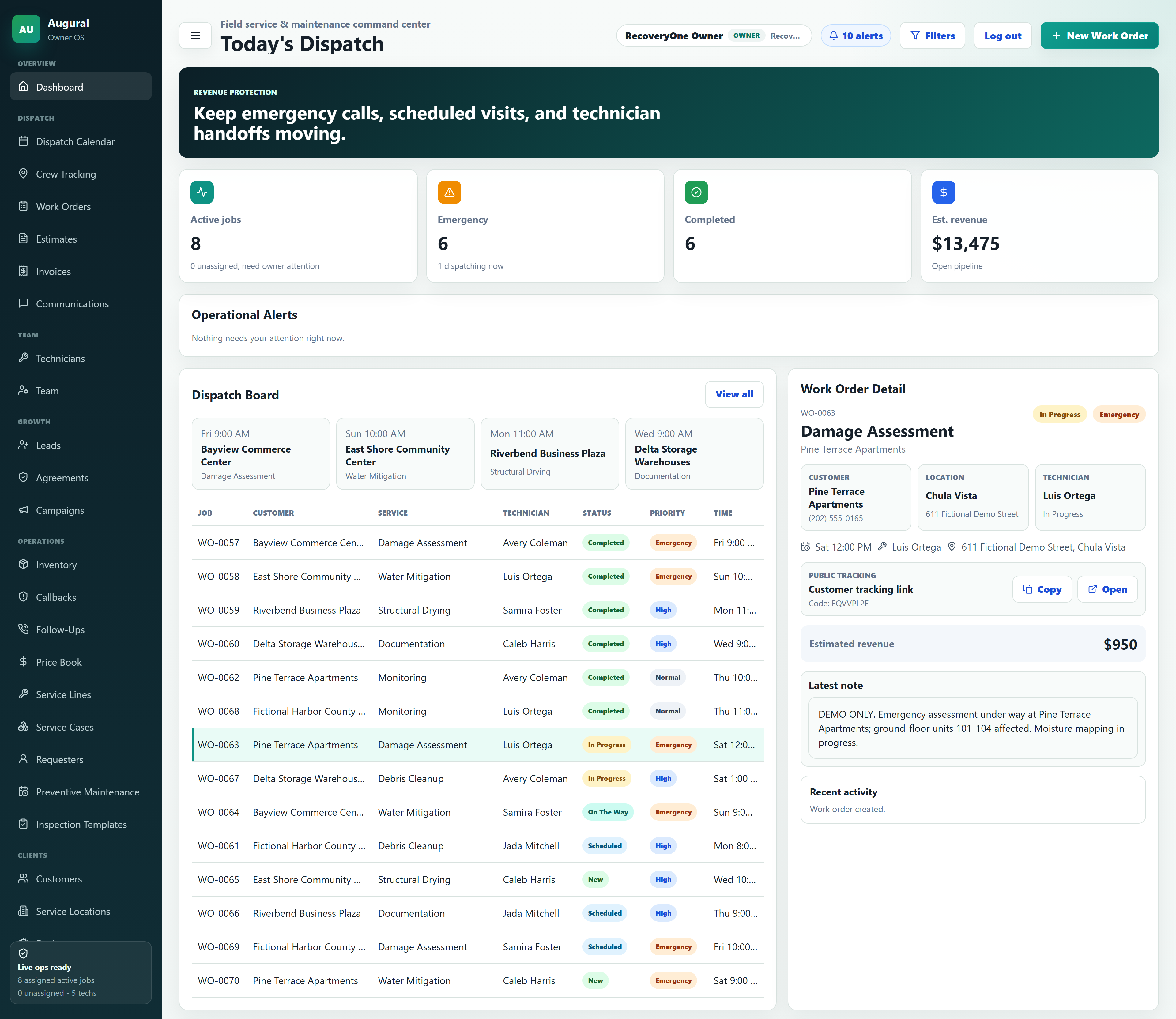
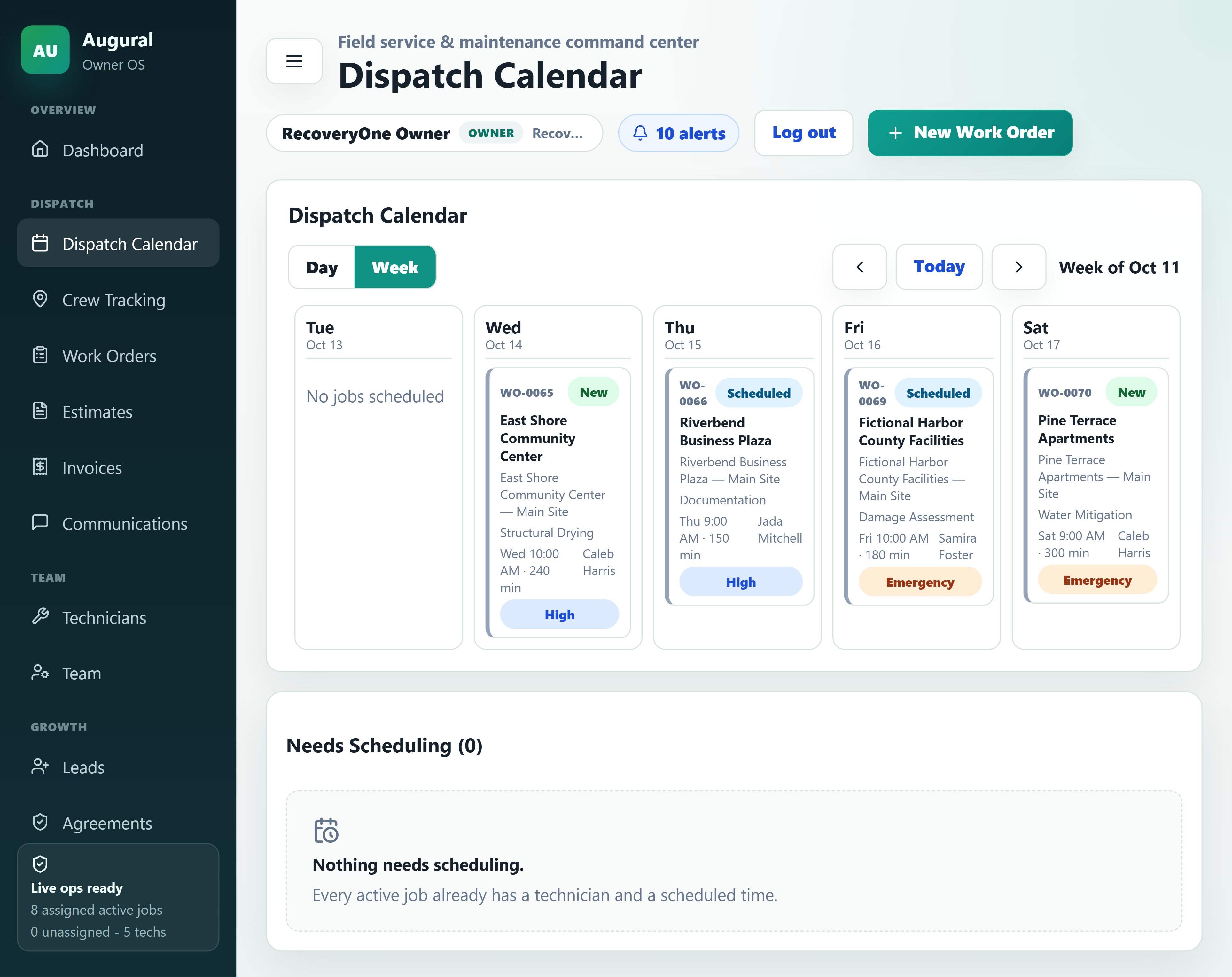
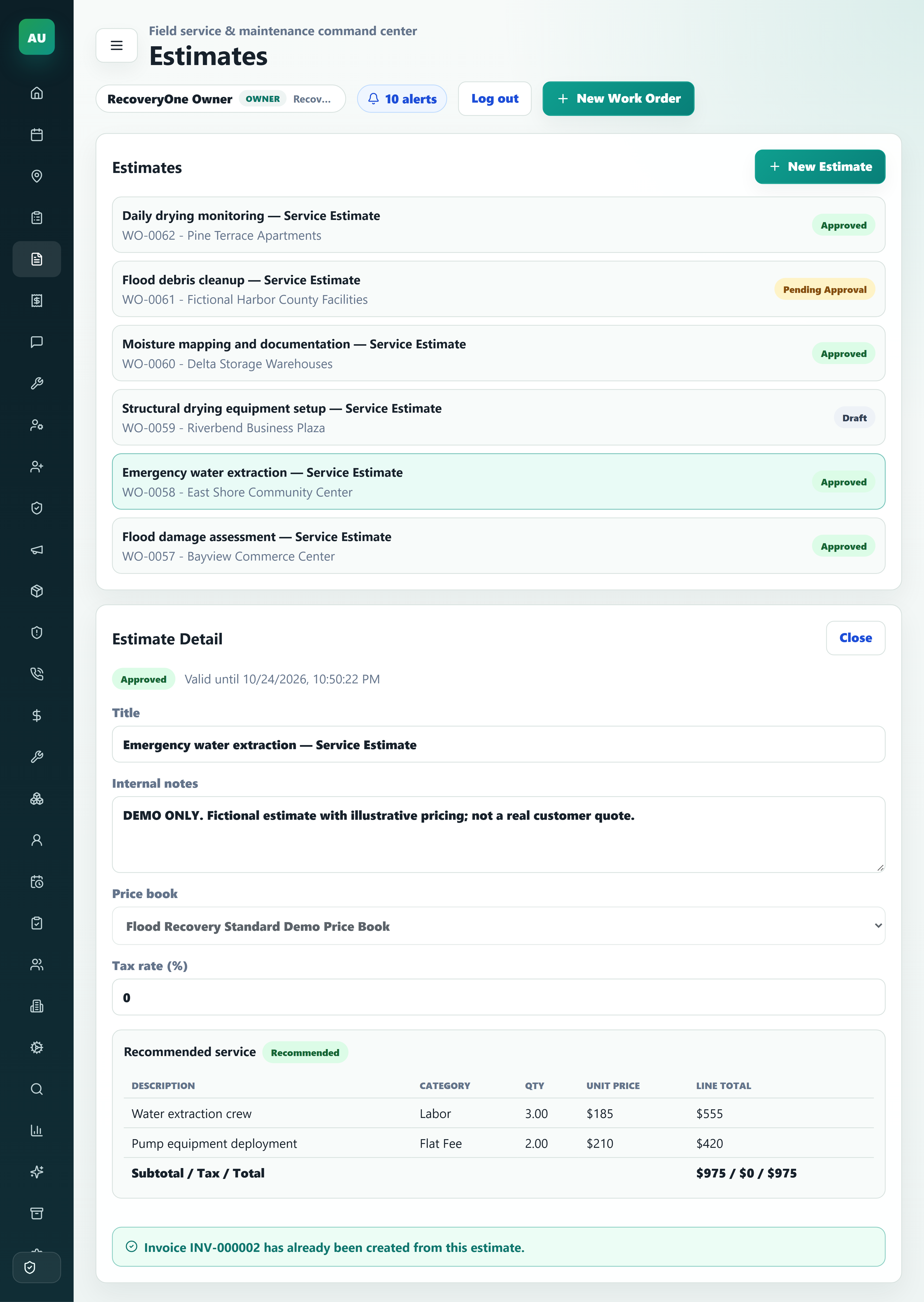
Fictional scenario. No FEMA affiliation, contract, integration, or eligibility determination is implied. No FEMA funding approval or endorsement is implied.
EXPLORE THE CONNECTIONS
Explore capability areas, then confirm the current product fit for your workflow.
All featured companies are fictional example demo workspaces, not actual subscribers.
Connect the records behind your daily operations, from customer details to work in progress.
Discuss your workflow Fictional demo data · Summit Field Services LLC overviewEach person signs in individually, with role permissions inside a separate organization workspace. Invoicing supports manual payment records; integrated card processing is not available.
Have a particular workflow in mind? Talk with the AUGURAL team before relying on an industry-specific configuration.
Talk to AUGURAL